Why this setup?
A quick primer on AI agents that can multiply your productivity — what they are, why they matter for your work, and how the pieces in this guide fit together.
Why AI Agents?
From chatbot to co-worker
Project Folder Structure
A clean foundation for every project
CLAUDE.md
skills/
data/
raw/
cleaned/
scripts/
figures/
tables/
manuscript/
The CLAUDE.md File
Your project's rulebook
What Are Skills?
Reusable instructions for recurring tasks
skills/ folder inside your projectSet Up
Install each tool below in order before running any workflows.
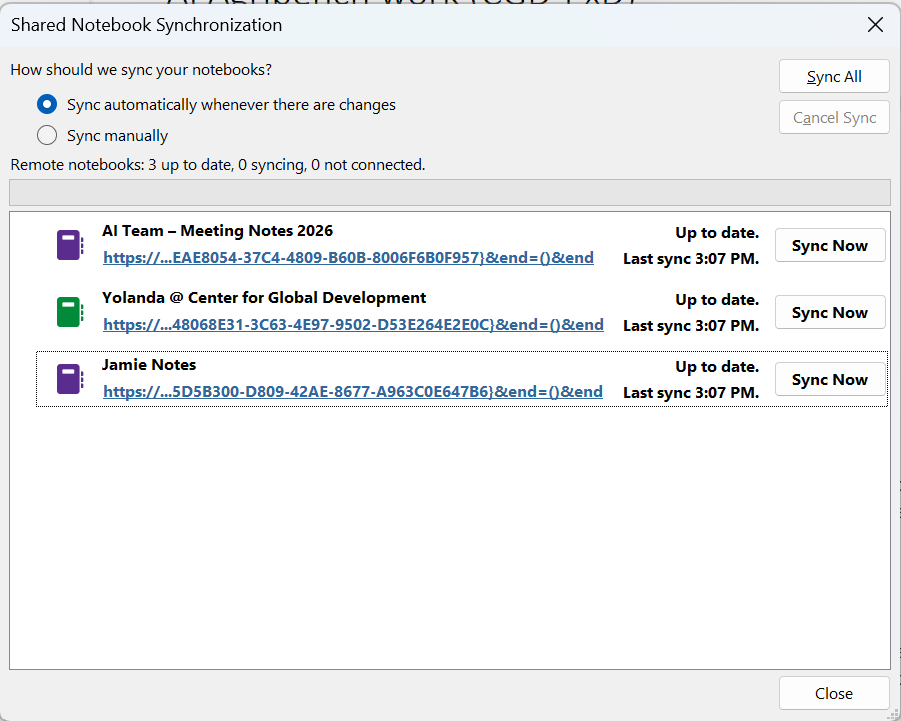
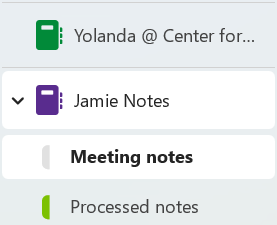
OneNote Desktop
This is where your meeting notes live
After install
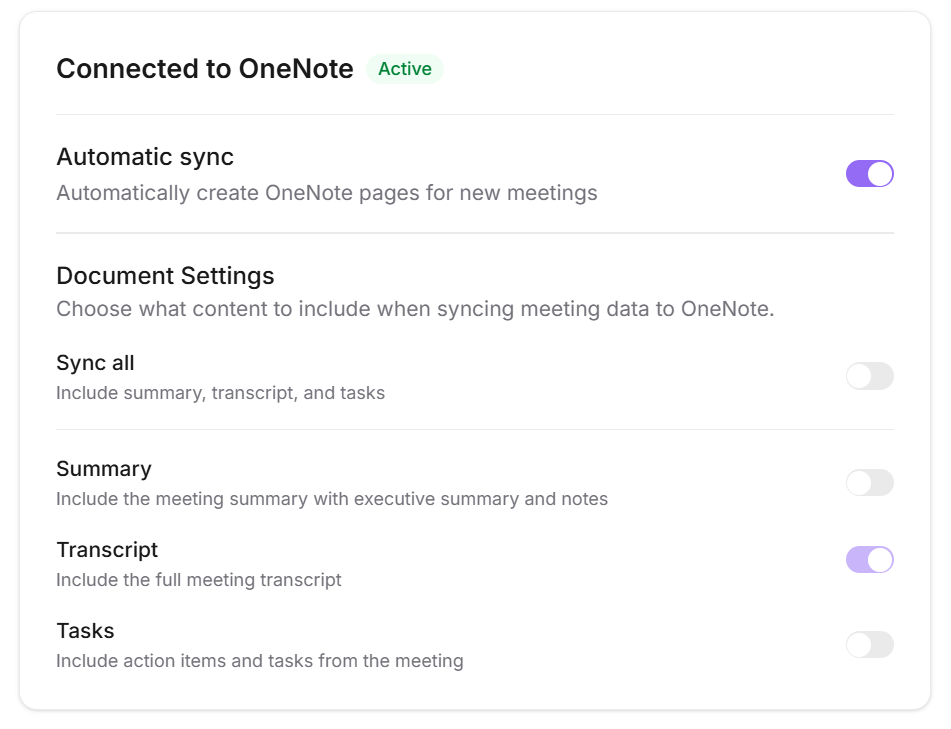
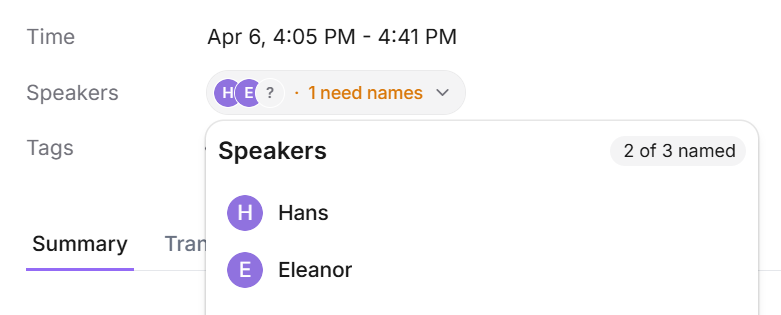
Jamie
A bot-free AI meeting notetaker that transcribes your meetings
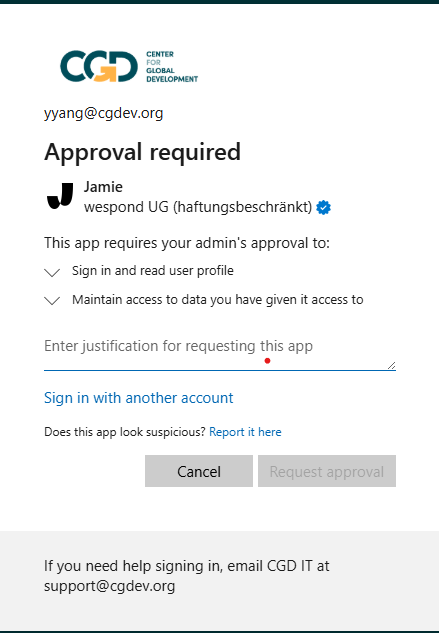
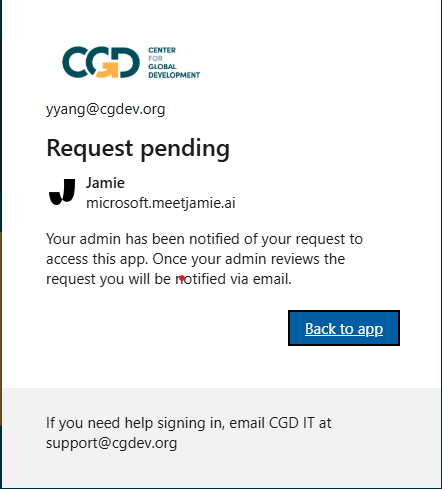
After install
my-ops folder
Your central config file that tells Claude what to do — please do not edit it
After install
CLAUDE.md file inside the folder in any text editor (Notepad works), find the line that says USER_NAME: [INSERT YOUR NAME] and replace [INSERT YOUR NAME] with your own full name, then save the file. Python
Required for writing formatted notes back to OneNote
During install
For first time python installers:
"If the items are already enabled, you may need to disable and re-enable them. Open Settings now, so you can modify App execution aliases? [y/N]" -> reply with a 'n'
"Add commands directory to your PATH now? [y/N]" -> reply with a 'y'
make sure you say `y' (yes) to adding Python to your system's PATH environment variables. This just helps Claude locate Python more easily on the system. (see image below for reference)
View online help? [y/N] -> reply with a 'n'
After install
python --versionYou should see
Python 3.x.x. If you get an error, restart your computer and try again.Claude Desktop
Anthropic's AI app
After install
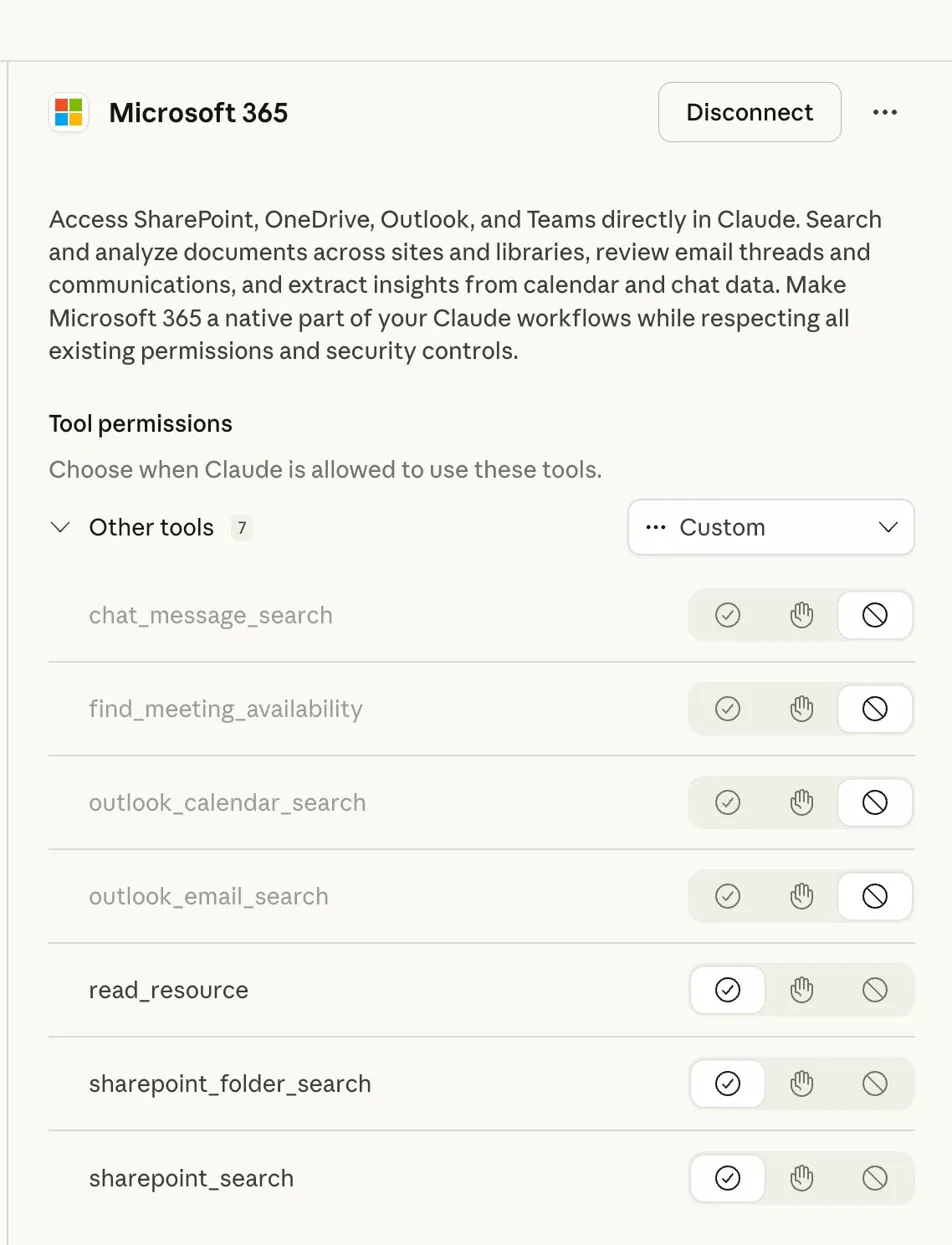
Git
Required for Claude Code to run properly
After download
[System.Environment]::SetEnvironmentVariable("CLAUDE_CODE_GIT_BASH_PATH", "paste your path here", "User")Workflows
What you can ask Claude Code to do once everything is set up.
Transcribe and summarise meeting notes
During the meeting
After the meeting
Get your summary
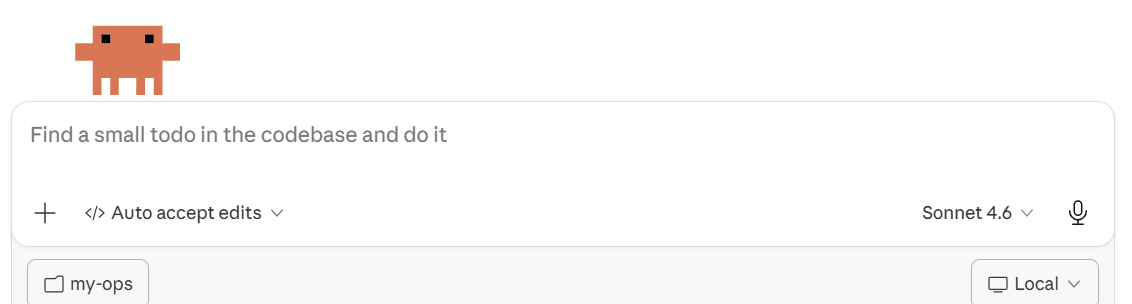
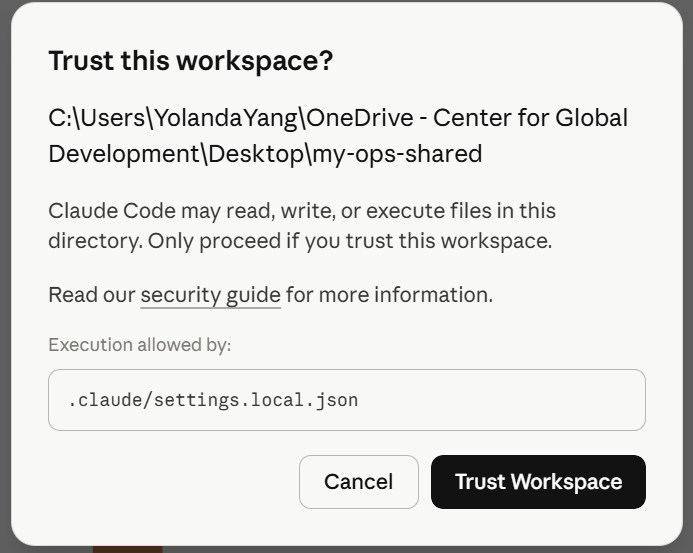
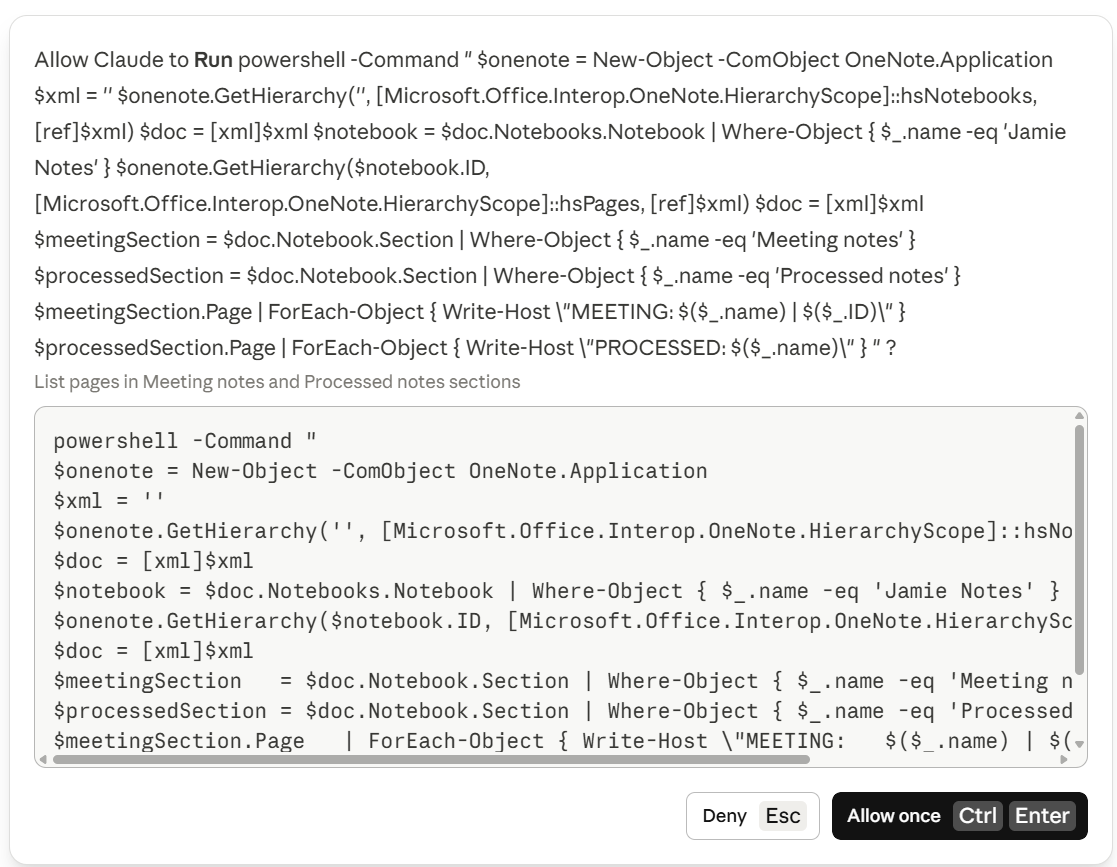
Get your weekly digest
Before you start
Get your summary
Draft a grant progress report In Progress
Pull proposal outputs, search SharePoint and OneNote, draft progress details
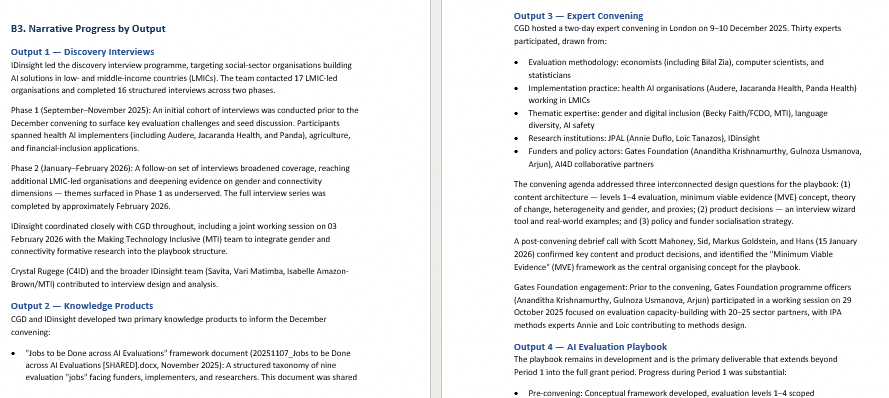
Claude has no direct Salesforce connector — the CLI and MCP both route through an anonymising proxy that will freeze a CGD Salesforce account. The current workaround being developed is a structured SharePoint folder to store Salesforce grant data so Claude can read it from there instead. This workflow is fully functional for grants whose proposal documents are already on SharePoint.
Claude can only work with what is written down. If key context — programme strategy, funder relationship history, internal decisions — exists only in someone's head and was never logged in SharePoint, OneNote, or email, Claude cannot surface or fill it in. The draft will flag these gaps, but filling them requires you.
FAQ
Common questions about the AI Team Workflow.
How is my data handled across each tool?
Jamie
Claude Code
Does it support Mac?
Not currently. The current workflow of "Transcribe and summarise meeting notes" uses PowerShell's COM API to communicate with the OneNote desktop app and Claude Code, which is Windows-only.
More questions?
Ask Yolanda.